HubSpot vs Mailchimp: Which Email Platform Is Best for Affiliate Bloggers in 2025?

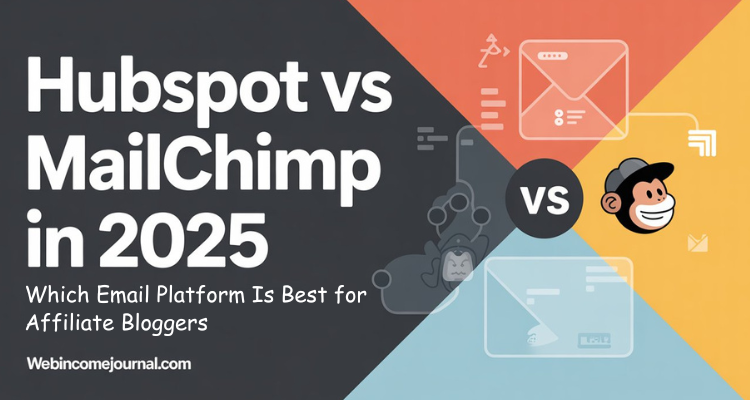
Is your email marketing platform actually helping your affiliate blog grow, or is it holding you back?
In 2025, email marketing isn't just about sending newsletters. It’s about using automation, AI, segmentation, and CRM-level insight to actually drive affiliate sales.
But here's the catch: most tools either overwhelm you with too much or limit you with too little. That’s why the HubSpot vs Mailchimp debate matters more now than ever before for affiliate bloggers.
This post breaks it all down – real data, real use cases, and no fluff. Whether you’re a beginner looking for something simple or a seasoned blogger planning to scale, this guide helps you make a clear decision based on your affiliate marketing needs.
TL;DR:
- Mailchimp is simple, affordable, and ideal for affiliate bloggers who want to launch quickly with basic automations and don’t need complex funnels.
- HubSpot is powerful, AI-driven, and built for bloggers who want deep analytics, advanced workflows, and scalable CRM integration.
- The best choice depends on your growth stage, content strategy, and how much tracking and automation you actually need.
DISCLOSURE: WebIncomeJournal is supported by readers like yourself. We may earn an affiliate commission when you purchase through our links, which enables us to offer our content for free. Learn more here.
What Are HubSpot and Mailchimp: What Do They Offer in 2025?
Before we compare features, pricing, and performance, let’s get clear on what HubSpot and Mailchimp actually are – and what they’ve become in 2025.
What is HubSpot?
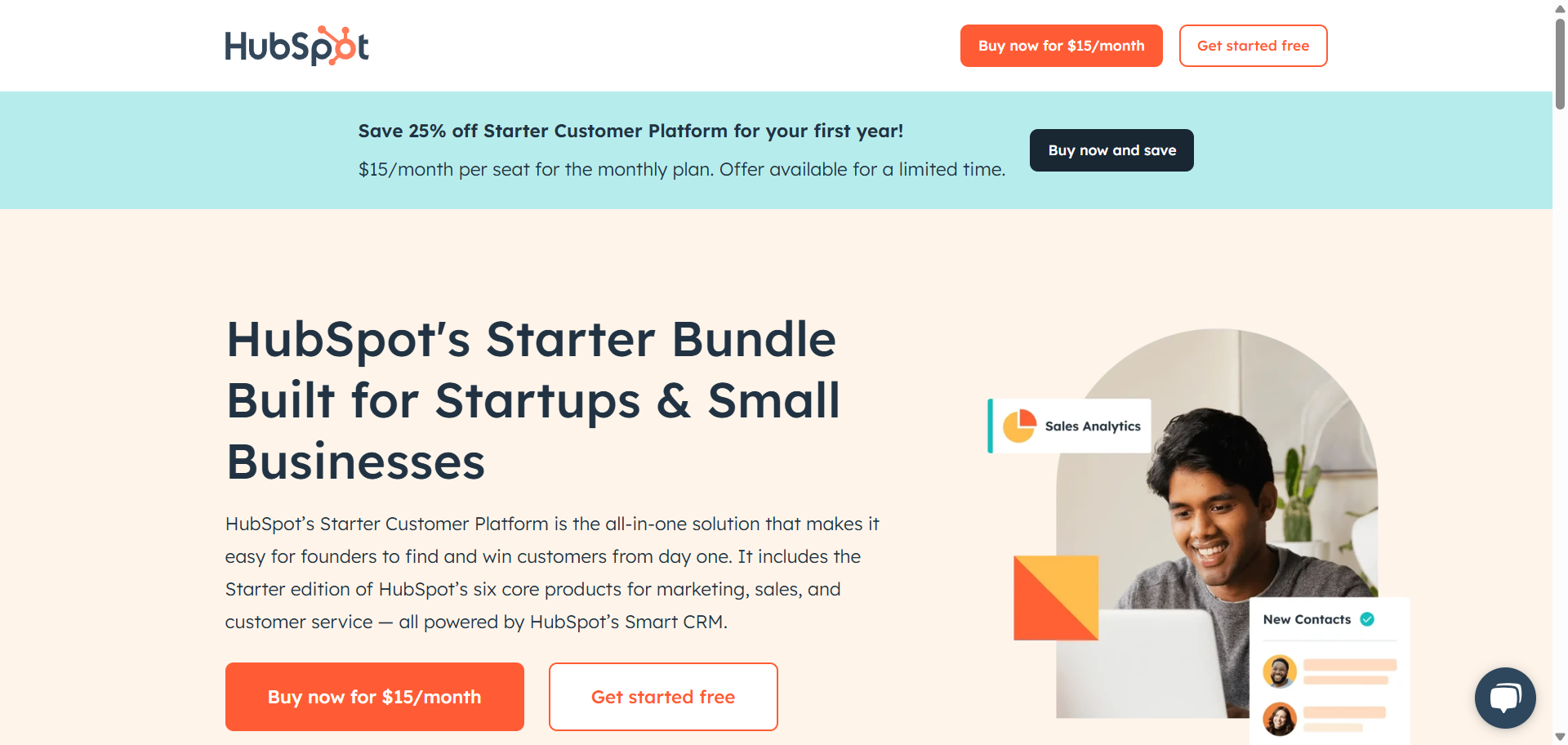
HubSpot is no longer just an email tool – it’s a full-blown CRM-powered marketing engine. Built as an all-in-one platform, HubSpot offers multiple “Hubs” that cover nearly every part of a digital business:
- Marketing Hub – Email marketing, lead generation, automation workflows, AI content tools, analytics
- Sales Hub – Pipeline tracking, contact scoring, task management
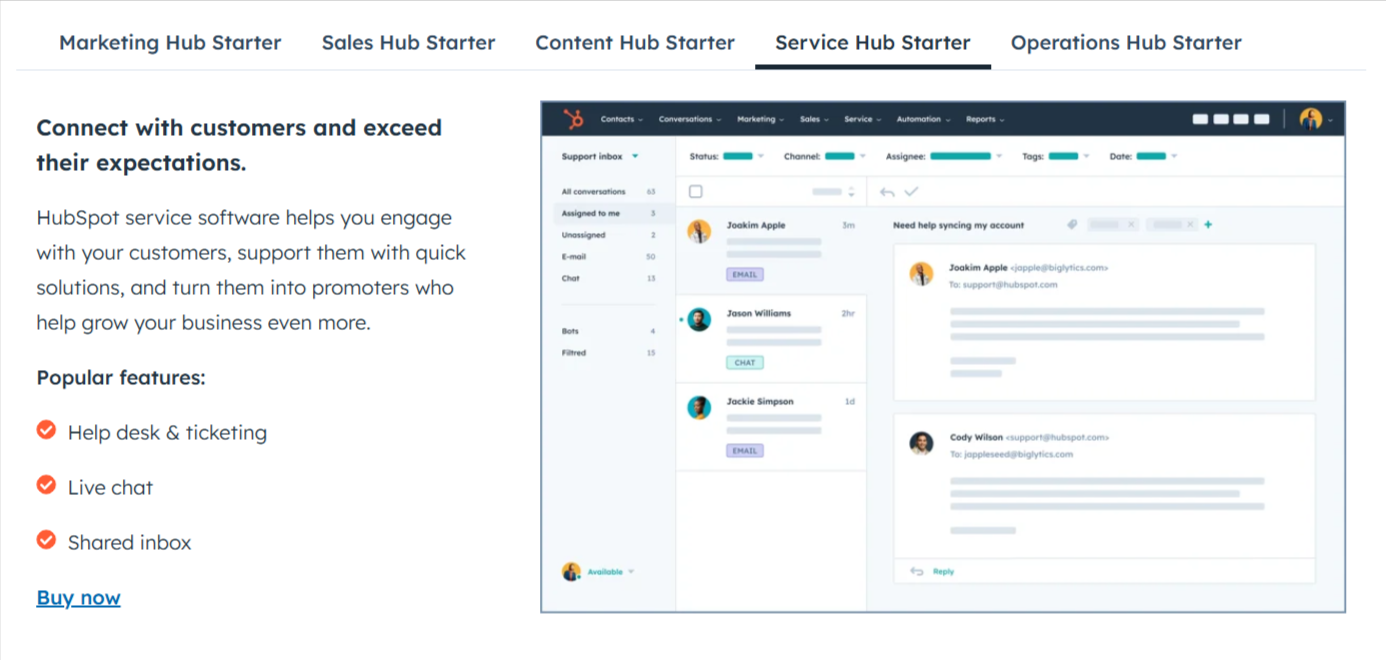
- Service Hub – Customer support, live chat, ticketing
- CMS Hub – Website builder and blog management
- Operations Hub – Data syncing and automation between tools
At the center of it all is the HubSpot CRM, which connects your contacts, behaviors, and campaigns into one unified system. Every action – from email opens to form fills to blog visits – is tracked, logged, and available for segmentation or follow-up.
For affiliate bloggers, this means you’re not just sending email blasts. You’re building full marketing funnels, automating sequences based on reader behavior, and gaining deep visibility into what drives clicks and conversions.
The trade-off? It’s a lot to learn, and many of the most powerful features (like advanced analytics, custom workflows, and the AI content assistant) live behind higher-priced tiers. However, if you're planning to scale or run a content-driven affiliate business like a real company, HubSpot has the infrastructure to support your growth.
What is Mailchimp?
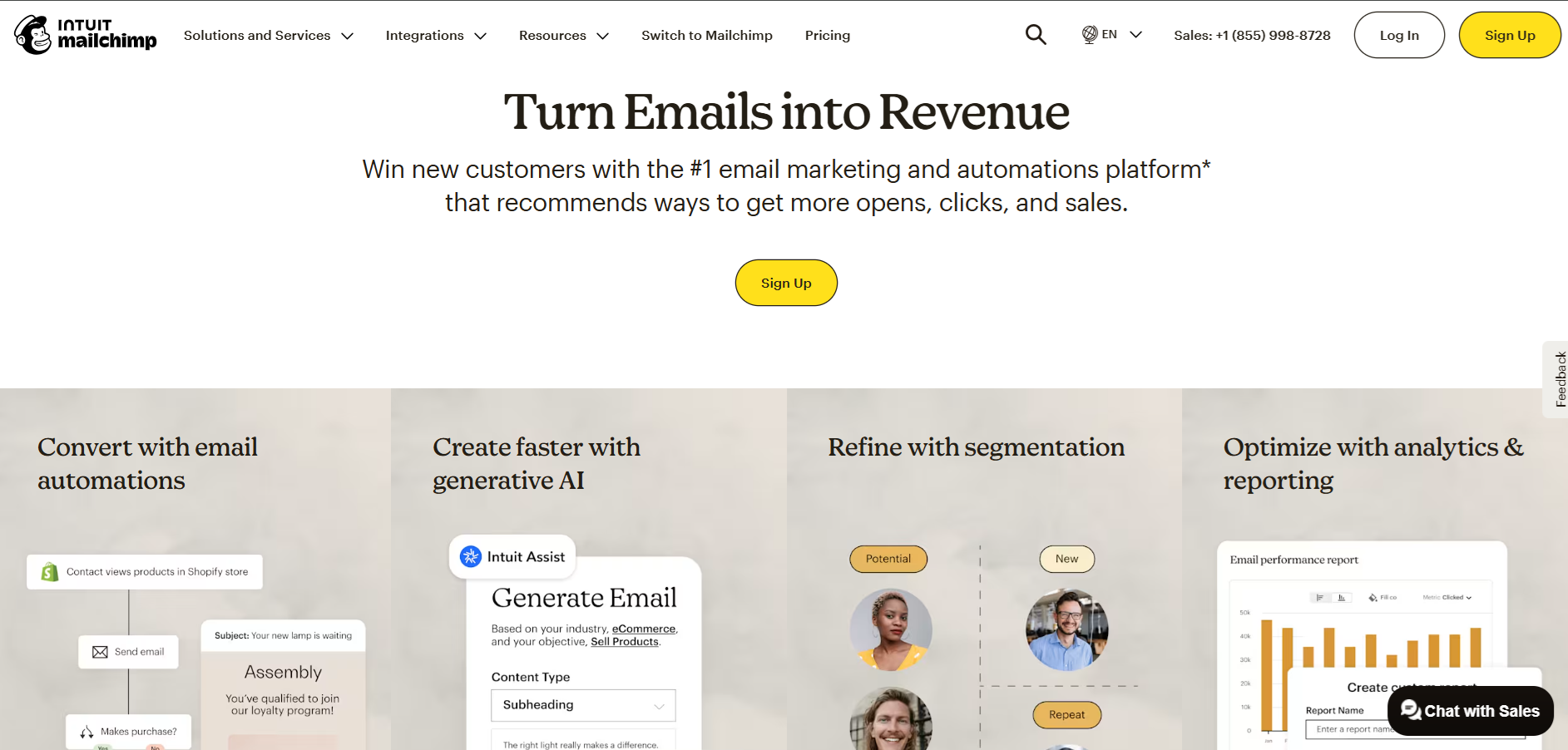
Mailchimp started as a simple email newsletter tool. But over the years – and especially in 2025 – it has evolved into a lightweight marketing platform that’s still incredibly focused on email-first features.
Here’s what you get:
- Drag-and-drop campaign builder with beautiful templates
- Customer Journey Builder to automate email sequences
- Content Studio to store images and brand assets
- Basic CRM tools, including contact profiles, tags, and groups
- AI features like predicted demographics and send-time optimization
For affiliate bloggers, this is more than enough to build a list, send out weekly promotions, run welcome sequences, and track who’s clicking what. It’s easy to use, affordable, and doesn’t require a tech background to get results.
Mailchimp is often the starting point for many online marketers – and for good reason. It gets you live quickly, costs very little (even free at first), and keeps things simple. Just know that if you start growing fast, you might eventually run into limitations when it comes to CRM depth, automation complexity, or multichannel tracking.
Click here for details about Mailchimp.com
Head-to-Head Feature Comparison for Affiliate Bloggers
Now, let’s get into the features that directly impact your ability to make money as an affiliate blogger. The right email platform should help you create beautiful campaigns, reach the right audience, and drive real conversions. Here's how HubSpot and Mailchimp stack up where it matters most.
Email Campaign Creation and Design
Crafting an email that grabs attention and drives clicks is crucial for affiliate marketers. Both HubSpot and Mailchimp offer robust tools, but they approach them differently.
HubSpot gives you a full toolkit to build polished, personalized email campaigns:
- A modern drag-and-drop editor with smart modules
- A rich template library for every type of promotion
- Personalization tokens powered by CRM data (name, behavior, lifecycle stage)
- A/B testing with detailed reporting on winners
- Built-in AI content assistant to generate or improve email copy in seconds
For affiliate marketers, this setup allows for dynamic content that adapts based on user interests or funnel stage. Embedding affiliate links is seamless, and you can drop in custom CTAs with ease.
Mailchimp also offers a strong experience – especially for quick execution:
- A user-friendly drag-and-drop builder
- Dozens of pre-built, mobile-optimized templates
- Content Studio to manage branded assets
- Basic merge tags for first-name personalization
- A/B testing for subject lines and content blocks
While not as deep in AI or CRM-driven personalization, Mailchimp excels in simplicity. You can build, link, and send a promotion within minutes.
Audience Segmentation & Management
Here's where the platforms start showing their true differences. Effective segmentation can increase your affiliate revenue by 200-300%, so this matters enormously.
HubSpot shines when it comes to segmentation. Because every contact is tied into the HubSpot CRM, you can slice your list based on:
- Website behavior (e.g., pages viewed, content clicked)
- Lead score and lifecycle stage
- Past purchases, downloads, or engagement history
- Custom properties you define (e.g., product interest, niche preference)
- Smart lists that update automatically as behavior changes
This makes it possible to send hyper-targeted affiliate offers. For example, you can email only subscribers who clicked on a previous product link or viewed a specific blog category.
Mailchimp uses a simpler system of:
- Tags, Groups, and Segments based on actions (opens, clicks)
- E-commerce data (if connected to a store like Shopify or WooCommerce)
- Predicted demographics and interests (AI-powered on paid plans)
While it lacks the deep behavioral tracking of HubSpot, Mailchimp's segmentation is more than enough for smaller affiliate lists and basic targeting.
Marketing Automation & Workflows
Automation is where you really save time and scale your affiliate efforts. It's about setting up systems that work for you, even when you're sleeping.
HubSpot is built for advanced automation. Its workflow engine lets you design multi-step, multi-channel customer journeys using if/then branching logic, delays, triggers, and conditions. You can build:
- Long-term lead nurturing sequences based on blog behavior
- Automated product launch funnels with personalized content
- Follow-up series after someone clicks a specific affiliate link
- Sales handoffs or CRM updates for hot leads
- Multi-channel engagement across email, SMS, and in-app messaging
Add in HubSpot’s AI and CRM data, and you’re able to send the right message, at the right time, based on exact reader behavior.
Mailchimp, while not as deep, still gives you solid automation through Customer Journeys. You can create:
- Welcome series triggered after signup
- Abandoned cart sequences (for e-commerce blogs)
- Simple evergreen promotional flows
- Event-based emails triggered by tags or behaviors
- Transactional emails for product downloads or lead magnet delivery
The interface is clean, easy to use, and effective for standard affiliate use cases.
CRM Capabilities
One question I get asked all the time is: “Do I really need a full CRM for affiliate marketing?” My answer has always been, It depends entirely on how you operate your business. However, understanding your audience is paramount in affiliate marketing. A CRM (Customer Relationship Management) helps you track and manage those relationships.
At its core, HubSpot is a CRM – everything else is built on top of that. This gives you access to:
- Detailed contact profiles with timeline activity (emails, page views, form submissions)
- Deal pipelines if you track affiliate partnerships or sponsored deals
- Task management for following up with leads or advertisers
- A 360-degree view of each subscriber’s behavior and lifecycle
For affiliate bloggers, this means you can track exactly where a reader is in your funnel. Did they download your lead magnet? Click your affiliate offer? Read your high-intent blog post? You’ll know.
Mailchimp, on the other hand, offers a lite CRM experience:
- Basic contact profiles with email engagement
- Simple tagging and segmentation tools
- Audience insights powered by email activity and AI-predicted demographics
It’s enough for most bloggers who want to keep things simple, but it lacks the depth of behavioral tracking and customization HubSpot provides.
Landing Pages & Forms
Capturing leads is the lifeblood of an affiliate blogger. You need effective ways to turn website visitors into email subscribers, and that often starts with compelling landing pages and opt-in forms.
HubSpot gives affiliate bloggers a strong edge when it comes to building lead capture assets. With its landing page builder, you can:
- Design high-converting opt-in pages without code
- Customize layouts and CTAs with a drag-and-drop interface
- Use progressive profiling to ask smarter questions over time
- Embed forms, pop-ups, and slide-ins tailored to reader behavior
- Sync all lead data into your CRM instantly
You can also A/B test variations, track conversions, and tie form submissions to workflows automatically – ideal for lead magnets and gated content.
Mailchimp offers a simpler experience. It includes:
- A basic landing page builder with drag-and-drop sections
- Embedded forms and pop-ups that integrate easily with email lists
- Pre-built templates for opt-ins, product launches, and thank-you pages
Mailchimp doesn’t offer advanced logic like progressive profiling or deep CRM syncing, but it’s more than capable for building a clean, fast landing page that gets the job done.
Reporting & Analytics
You can't improve what you don't measure. For affiliate bloggers, understanding your email performance is crucial for optimizing your campaigns and maximizing revenue.
HubSpot takes analytics seriously – and it shows. You get comprehensive dashboards that tie together:
- Email open and click rates
- Website analytics (page visits, time on site, form fills)
- Campaign-level performance
- Revenue attribution (i.e., which email led to which sale)
- Custom reports and contact-level tracking
For affiliate bloggers who want to optimize funnels and measure the ROI of every piece of content or email, this level of insight is a game-changer.
Mailchimp offers reliable, straightforward reporting:
- Key campaign metrics (opens, clicks, bounces, unsubscribes)
- Audience growth trends
- E-commerce tracking, when integrated with platforms like Shopify
- Click maps and link performance reports
While you won’t get cross-channel analytics or in-depth attribution modeling, you still get enough data to refine your campaigns.
AI-Powered Features in 2025
In 2025, AI isn’t a bonus feature – it’s the engine driving smarter, faster marketing. And for affiliate bloggers, that means less manual work and more personalized, high-converting campaigns.
HubSpot leads the way with deep AI integration across its entire platform. You get:
- The HubSpot AI Content Assistant that helps you write emails, landing pages, and social posts
- Predictive lead scoring, which ranks contacts based on likelihood to convert
- AI-powered segmentation based on user behavior, engagement trends, and CRM data
- Smart campaign recommendations based on past performance and contact patterns
These tools help you build personalized affiliate funnels that react to what your audience is actually doing – clicking on offers, reading certain blog categories, or browsing your product guides. You can automate follow-ups, swap offers based on behavior, and even generate entire sequences using AI suggestions.
Mailchimp also stepped up its AI game, though it’s still lighter than HubSpot’s system. Its standout AI tools include:
- Predicted demographics (age, gender) based on behavior
- Send-time optimization for each contact
- Subject line suggestions and basic AI-generated email content
- Pre-built automation templates for common affiliate use cases
It’s simple, accessible, and makes basic personalization easy – even if you don’t have deep tech skills.
HubSpot vs Mailchimp: Pricing Models
Let’s talk about cost. If you’re just starting or managing a tight budget, you want to maximize value without breaking the bank. So, let’s compare how these two pan out when it comes to your wallet.
HubSpot Pricing: Scalability vs. Cost
HubSpot offers a tiered pricing structure that can scale very quickly depending on your setup:
- Free Plan – Basic tools for email marketing and contact management
- Starter Plan – Starts at ~$20/month for 1,000 contacts
- Professional Plan – Jumps to $1,025/month for 2,000+ contacts
- Enterprise Plan – Custom pricing, but expect to pay several thousand per month
Here’s the catch: HubSpot uses a “per seat” + “contact count” model, meaning you pay more as your team grows and your list expands. Also, many advanced features – like AI content tools, multi-step automation, and revenue reporting – only unlock at the Professional level.
Add in onboarding fees (often $3,000+) and annual contract requirements, and HubSpot can be a serious financial commitment. But you’re paying for a fully integrated marketing engine, not just email.
Mailchimp Pricing: Affordability & List Size
Mailchimp’s pricing is simpler and far more budget-friendly for solo bloggers or small sites:
- Free Plan – Up to 500 contacts and 1,000 monthly sends
- Essentials Plan – Starts at ~$13/month for 500 contacts
- Standard Plan – ~$20–$75/month for mid-size lists
- Premium Plan – Starts at ~$175/month for advanced segmentation and analytics
Pricing is based primarily on your contact list size and monthly email sends. No onboarding fees. No annual contracts. And features like automation, email templates, and basic A/B testing are available even on lower plans.
Unlike HubSpot, Mailchimp doesn't charge per user, has no onboarding fees, and allows monthly billing without long-term commitments.
If you’re just starting or have fewer than 5,000 subscribers, Mailchimp’s Free or Essentials plans are often more than enough.
Cost-Benefit Analysis for Affiliate Bloggers
So, when is HubSpot's higher investment justified for your affiliate blog? It comes down to your ambition and complexity.
Choose HubSpot When:
- You're generating $5,000+ monthly in affiliate commissions and can justify the investment
- You need sophisticated lead scoring and behavioral tracking for high-value, long sales cycles
- You're promoting complex products requiring detailed nurturing sequences
- You want comprehensive attribution to understand which campaigns drive the most affiliate revenue
Choose Mailchimp When:
- You're starting out or generating less than $3,000 monthly in affiliate revenue
- Your primary need is straightforward email marketing with basic automation
- You prefer predictable, affordable scaling costs
- You want to reinvest savings into content creation and traffic generation rather than platform costs
The truth is that most affiliate bloggers will see better ROI investing Mailchimp's cost savings into content creation, paid advertising, or list building rather than paying for HubSpot's advanced features that they may not fully utilize.
HubSpot vs Mailchimp: Affiliate Marketing Specifics
As an affiliate blogger, your email marketing isn't just about sending pretty newsletters. It's about getting those affiliate links in front of the right eyes and ensuring they actually land in the inbox. There are specific considerations unique to affiliate marketing that you must pay attention to when choosing a platform.
Affiliate Link Handling and Deliverability
Using affiliate links in emails is common – but it requires care. Whether you’re linking to Amazon, SaaS products, or digital tools, how you insert links matters.
Best practices for affiliate links in email:
- Always use disclosure statements (FTC requires transparency)
- Cloak links using redirect URLs or branded shorteners
- Avoid using raw affiliate URLs – many ESPs flag them as spam
- Use HTML buttons or image CTAs instead of plain-text links
HubSpot handles affiliate links well, especially when wrapped inside CTAs or smart content blocks. It tracks clicks, builds follow-ups, and rarely triggers spam issues – assuming you're not promoting sketchy products.
Mailchimp is also safe, but has stricter deliverability filters for affiliate-heavy campaigns. Some users have reported emails flagged when using raw or repeated affiliate URLs – especially on free accounts. Cloaked links and high-quality content help mitigate this.
Compliance and Regulations (CAN-SPAM, GDPR)
Both platforms are compliant with major email regulations, including:
- CAN-SPAM (U.S.) – Requires clear opt-outs, valid sender info
- GDPR (EU) – Requires clear consent and access to user data
- CASL (Canada) – Requires express opt-in and identity disclosures
HubSpot gives you detailed tools for compliance, like double opt-in workflows, cookie tracking, and contact-level consent logs.
Mailchimp includes similar protections, with GDPR fields, unsubscribe management, and a visual data consent editor. Both help you stay legal – just make sure you activate the relevant features.
Affiliate Program Restrictions (If Any)
Here’s something most blog comparisons miss: platform restrictions on affiliate marketers themselves.
- Mailchimp has a strict Acceptable Use Policy. It allows affiliate marketing but prohibits promoting “make money online” schemes, crypto offers, or competing platforms. Sending emails solely to push another email tool? That could violate their terms.
- HubSpot is more open but still flags high-risk industries. Promoting sketchy affiliate networks or spammy lead gen offers may get you flagged or limited.
Ease of Use & Learning Curve
For affiliate bloggers, time is everything. The faster you can launch a campaign, test a funnel, or send a promo email, the quicker you can drive clicks and earn commissions. So let’s talk about the learning curve – because even the most powerful tools are useless if they slow you down.
HubSpot's Learning Curve
HubSpot is packed with features – but that comes at a cost.
While its dashboard is clean and well-designed, the sheer volume of tools (CRM, workflows, landing pages, reporting, AI tools) can overwhelm new users. You’re not just setting up an email campaign – you’re learning a full marketing ecosystem.
That said, HubSpot Academy is excellent. It offers:
- Free certification courses
- Step-by-step video tutorials
- Templates, guides, and walkthroughs for nearly every feature
If you’re serious about affiliate blogging as a business, investing time upfront in learning HubSpot can pay off. But don’t expect to master it in a day.
Mailchimp's Ease of Use
Mailchimp has a reputation for being one of the easiest email tools on the market – and it lives up to the hype.
- Clean, intuitive interface
- Drag-and-drop campaign builder with minimal setup
- Templates and automation presets ready to go
- No CRM or multi-hub setup to worry about
You can sign up, build a list, create a campaign, and hit send in under an hour – no tutorial required.
Even automation (via the Customer Journey Builder) is visual and straightforward, making it ideal for solo bloggers or anyone just getting started.
Your choice depends on how you value your time today vs. the sophistication you’ll need tomorrow.
HubSpot vs Mailchimp: Integrations & Ecosystem
Affiliate bloggers don’t just use one tool. Your blog, landing pages, lead forms, analytics, and email platform all need to talk to each other. That’s where integrations come in – and this is another place where HubSpot vs Mailchimp looks different.
HubSpot offers a massive app marketplace with over 2,000 integrations. You’ll find native connections with:
- WordPress, Webflow, and other CMS platforms
- Lead capture tools like Typeform and OptinMonster
- Analytics platforms like Google Analytics, Hotjar, and Looker Studio
- Sales and service tools like Slack, Salesforce, and Stripe
Because HubSpot controls both the CRM and the email side, these integrations go deep. For example, you can send emails based on site behavior, sales activity, or content engagement – without using third-party tools.
Mailchimp, while more limited, still offers strong integrations where it counts:
- Native connections with Shopify, WooCommerce, and other e-commerce platforms
- Social media ad platforms like Facebook and Instagram
- Popular blogging tools like WordPress, Squarespace, and Zapier
- Basic analytics integrations and third-party forms
Affiliate Blogger Takeaway: If your blog uses WordPress and basic lead capture tools, Mailchimp likely integrates with everything you need. But if you’re building a complex, multi-platform funnel, HubSpot’s ecosystem gives you more flexibility and long-term scalability.
When to Choose HubSpot as an Affiliate Blogger
Let’s be honest: HubSpot isn’t for everyone. But if you’re serious about building a profitable, scalable affiliate business in 2025, it might be exactly what you need.
Choose HubSpot if…
- You have more than just an email list – you have a multi-step funnel that includes blogs, lead magnets, automated sequences, and sales pages.
- You rely on advanced lead nurturing, where different readers get different content based on what they’ve clicked, bought, or read.
- You need a true CRM to track behavior across channels and segment your audience based on detailed activity.
- You want to scale and are okay paying more in exchange for AI tools, predictive analytics, and deeper insights.
- You plan to run multiple affiliate sites, campaigns, or even hire a team to handle your content or email marketing.
With HubSpot, you’re not just choosing an email tool. You’re choosing a platform that can run your entire affiliate marketing infrastructure – from traffic to lead to sale to post-purchase follow-up.
It’s built for long-term growth, not just quick launches. And if you're playing the long game, it gives you everything you need to build a high-converting, data-driven affiliate business.
When to Choose Mailchimp as an Affiliate Blogger
If you're just starting your affiliate journey or running a simple blog with a lean setup, Mailchimp is one of the best tools you can use.
Choose Mailchimp if…
- You’re a beginner or a solo affiliate blogger looking to grow your first list.
- You're working with a tight budget and want to avoid high monthly fees.
- You want a simple, visual interface that lets you design and send emails without a learning curve.
- Your automation needs are limited to welcome series, product follow-ups, or broadcast promotions.
- You're running a blog that integrates with Shopify, WooCommerce, or other e-commerce tools.
Mailchimp’s drag-and-drop builder, pre-designed templates, and Customer Journey Builder make it easy to launch fast. Even its free plan gives you the tools to start collecting leads and sending your first campaigns – no credit card or tutorials required.
You’ll also get access to basic analytics, AI writing assistance, and e-commerce tracking – all within a single dashboard.
Mailchimp is ideal if your focus is speed and simplicity. You don’t need a complex CRM or AI-powered workflows to see affiliate success. Sometimes all it takes is a good lead magnet, a few high-converting emails, and consistent follow-up.
Bottom line: Mailchimp is the right choice for affiliate bloggers who want to spend less time figuring things out and more time hitting “send.”
The Verdict: Making Your Decision for 2025
So – HubSpot vs Mailchimp: which one wins?
The truth is, neither platform is universally better. Each is built for a different stage of your affiliate blogging journey.
- For the beginner: Mailchimp gives you speed, affordability, and simplicity. It’s perfect if you're launching your first list and need to get campaigns out the door fast.
- For the growing pro: If you're starting to build advanced funnels, use segmentation, or want better tracking, Mailchimp can still hold up – just be ready to upgrade to paid plans.
- For the large-scale operation: HubSpot becomes a no-brainer when you’re ready to scale. It’s built for automation, CRM segmentation, deep analytics, and serious growth. You’ll pay more, but you’ll gain control over every step of your funnel.
Start with your actual needs. Not what sounds cool. Not what others are doing. Ask: Do I need advanced tracking and automation? Or do I just want to start sending affiliate emails today?
That answer will point you to the right platform – and make you more money in the long run.
Conclusion
Choosing the right email platform isn’t just a technical decision – it’s a business move that directly impacts your affiliate income. Whether you're nurturing leads, launching offers, or scaling your email funnels, the right tool can save you time, increase conversions, and help you grow smarter.
Mailchimp gives you speed, simplicity, and affordability – perfect if you’re starting or keeping things lean.
HubSpot offers depth, automation, and long-term scalability – ideal if you’re ready to build a serious, data-driven affiliate business.
The best part? Both platforms offer free plans or trial options. You don’t have to guess – you can test them yourself.
👉 Take action now:
- Sign up for a free plan with HubSpot or Mailchimp
- Build a small campaign and track performance
- Choose the one that saves you time and drives results
Already using one of these platforms? Drop a comment or email to share what’s working for you – we’d love to hear how your affiliate setup is evolving in 2025.